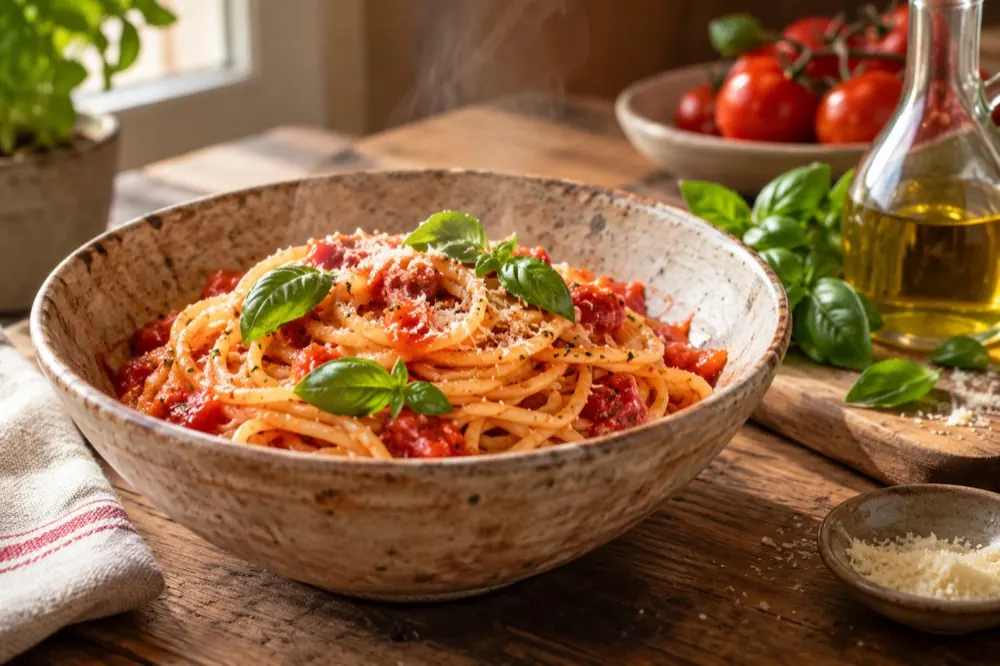
ONApple/Google Play

Meet Cerenity AI

Food, finally
in focus.

Understand what you have. Discover what you can make. Track what fits your goals.

Join for release updates and a beta-member launch discount code.

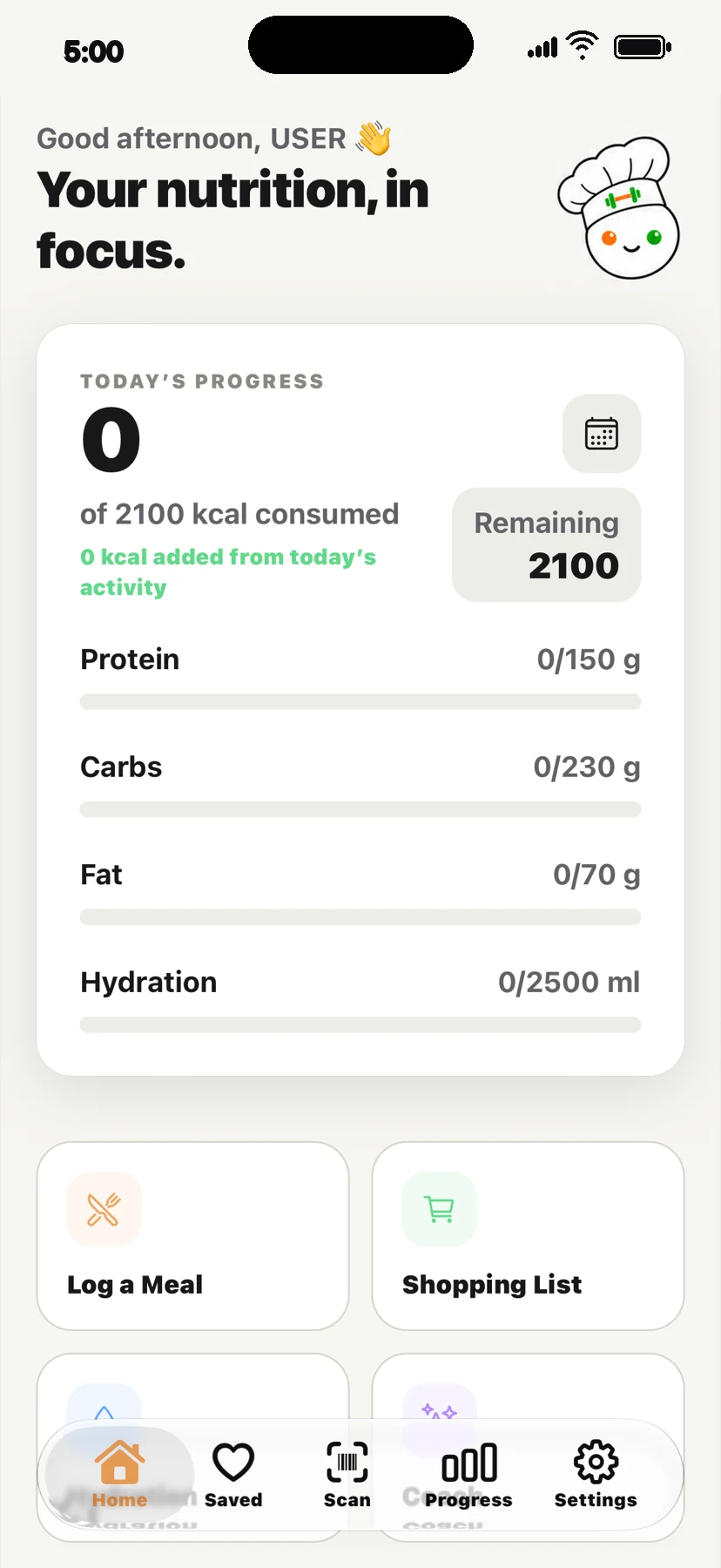
Cerenity Nutrition home screen in Light mode
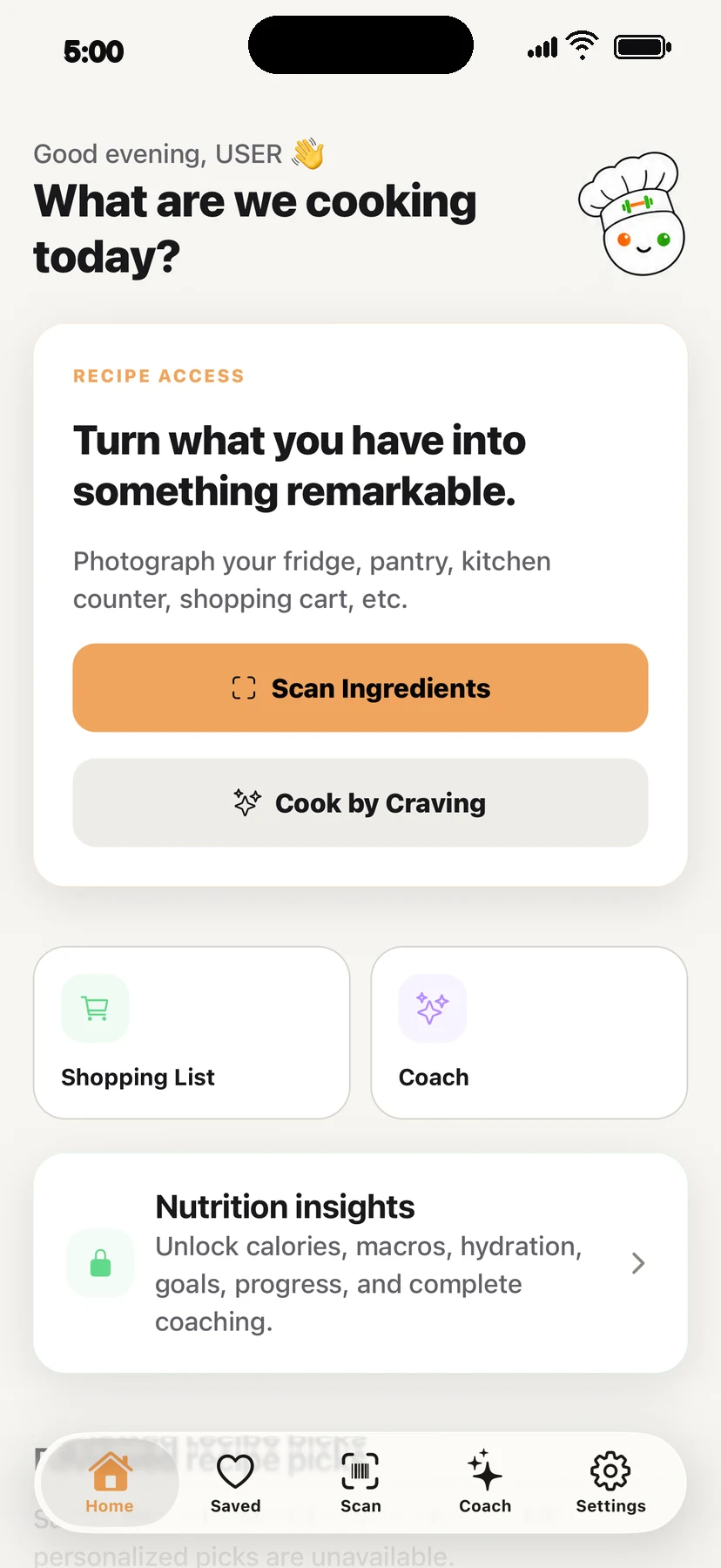
Cerenity Recipe home screen with ingredient scanning and Cook by Craving
COOK BY CRAVINGWhat sounds good?
YOUR REVIEWEdit every estimate
SCROLL TO EXPLORE

One app. Two ways to use it.

Start with the experience
that fits your day.

Recipe when you want to cook. Nutrition when you want the full picture.

RRECIPE

Turn what you have into something remarkable.

Move from ingredients or a craving to a personalized recipe, a shopping list, and guided cooking.

  • Ingredient scanning with editable detection
  • Cook by Craving and personalized daily picks
  • Saved recipes, history, and shopping lists
  • Guided cooking with resumable steps and timer
Explore Recipe
Includes the complete Recipe experience
NNUTRITION

Your nutrition, in focus.

Review meal estimates, follow daily totals, and see your food, hydration, goals, and progress together.

  • Everything in Recipe
  • Editable meal estimates and one-tap logging
  • Calories, macros, hydration, goals, and history
  • Progress, achievements, and nutrition-aware Coach
Explore Nutrition
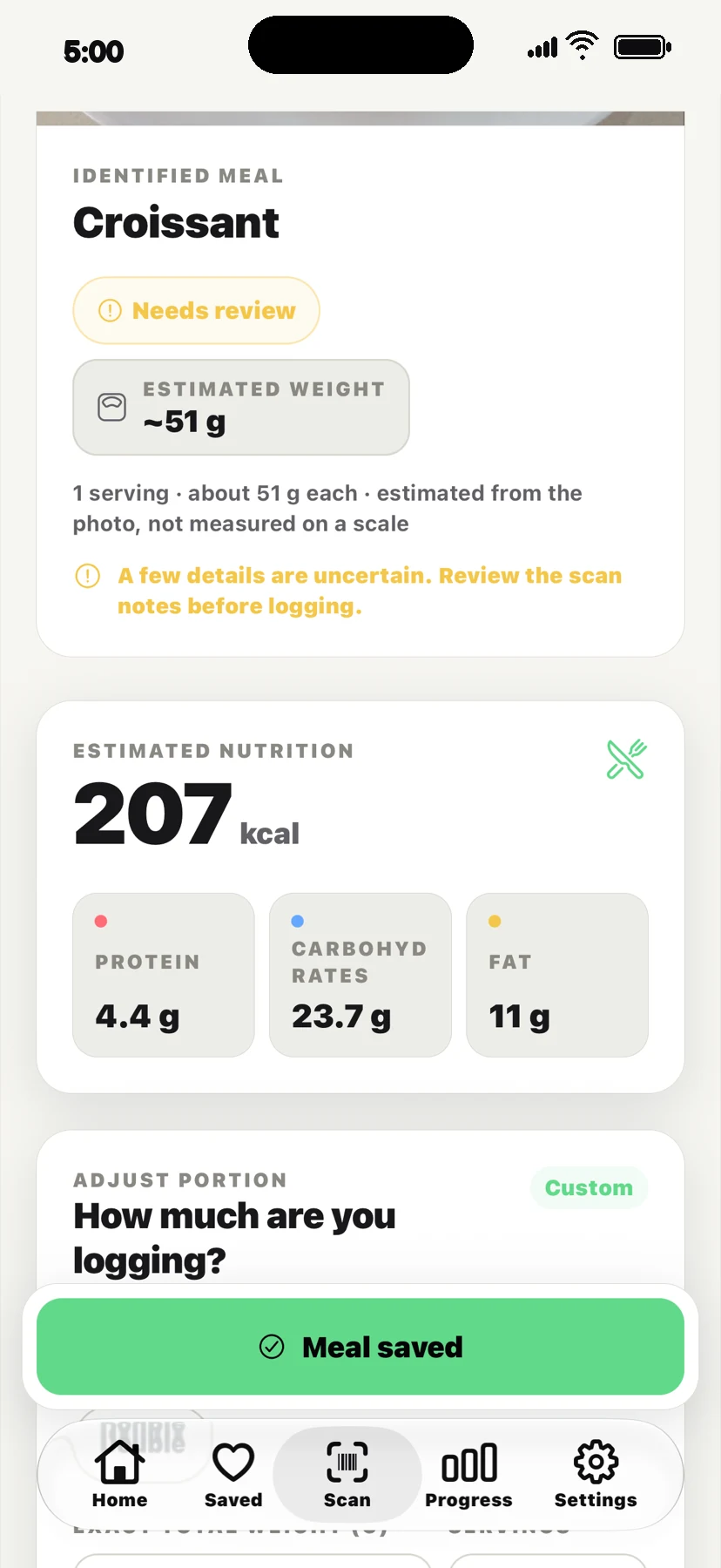
Cerenity meal scan showing an editable croissant estimate
You’re in controlRename · resize · remove

Scan. Review. Act.

Useful estimates.
Not magic.

Photograph ingredients or a meal. Cerenity identifies what is visible, then puts the result in your hands before anything is created or logged.

01

Photograph or choose an imageUse your camera or photo library when it makes sense.

02

Review what Cerenity findsRename foods, change portions, add missing items, or remove false detections.

03

Create or log when it looks rightTurn reviewed ingredients into a recipe or add an estimated meal to your day.

A photo cannot verify hidden ingredients, allergens, cross-contact, exact preparation, freshness, or food safety.

The Recipe flow

From “what’s here?”
to dinner.

Built around the real rhythm of cooking, not just recipe browsing.

01
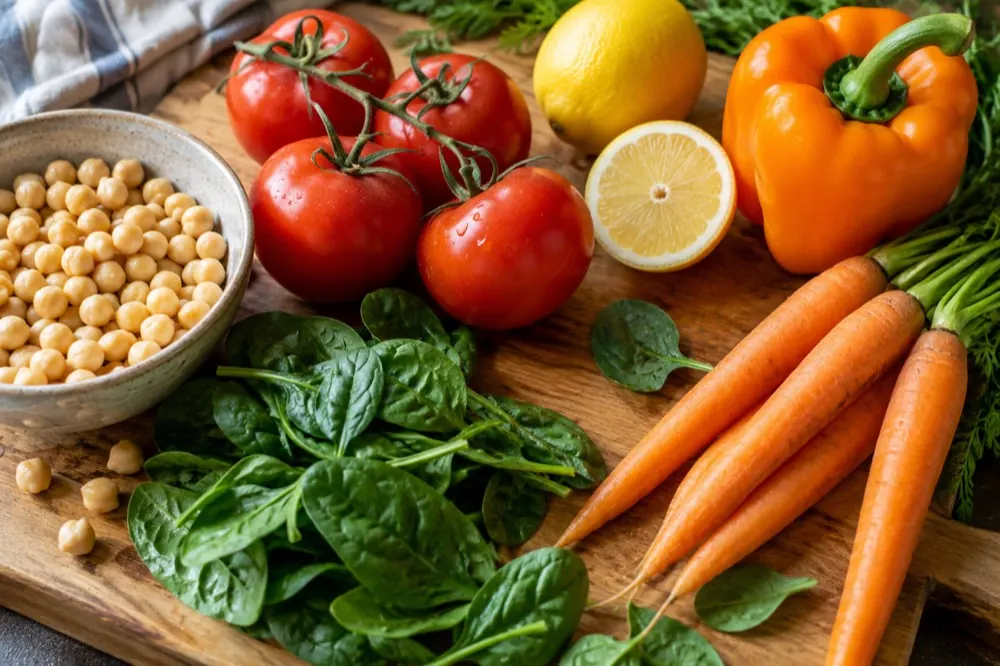
TomatoChickpeasSpinach+2 more

Start with ingredients

Scan what you have, review the list, and make it yours.

02
I feel like…Something warm,
bright & vegetarian
Under 30 minutes

Or describe a craving

Add a cuisine, time budget, servings, or nutrition preference.

03
18:42
STEP 3 OF 5Fold in the spinach
until just wilted.

Cook with momentum

Adjust servings, send items to shopping, and resume guided steps later.

Nutrition

The full picture,
without the noise.

See calories, macros, hydration, meals, and recent progress in one calm daily view. Missing days stay missing—not silently counted as zero.

Personalized starting targetsBuilt from your answers, with manual targets available.

Real historyBrowse meals, totals, hydration, and bounded trends by day.

Optional activity contextRead-only active energy can inform a conservative same-day adjustment.

Nutrition-aware CoachGeneral-wellness guidance grounded in relevant saved context.

See Nutrition in detail
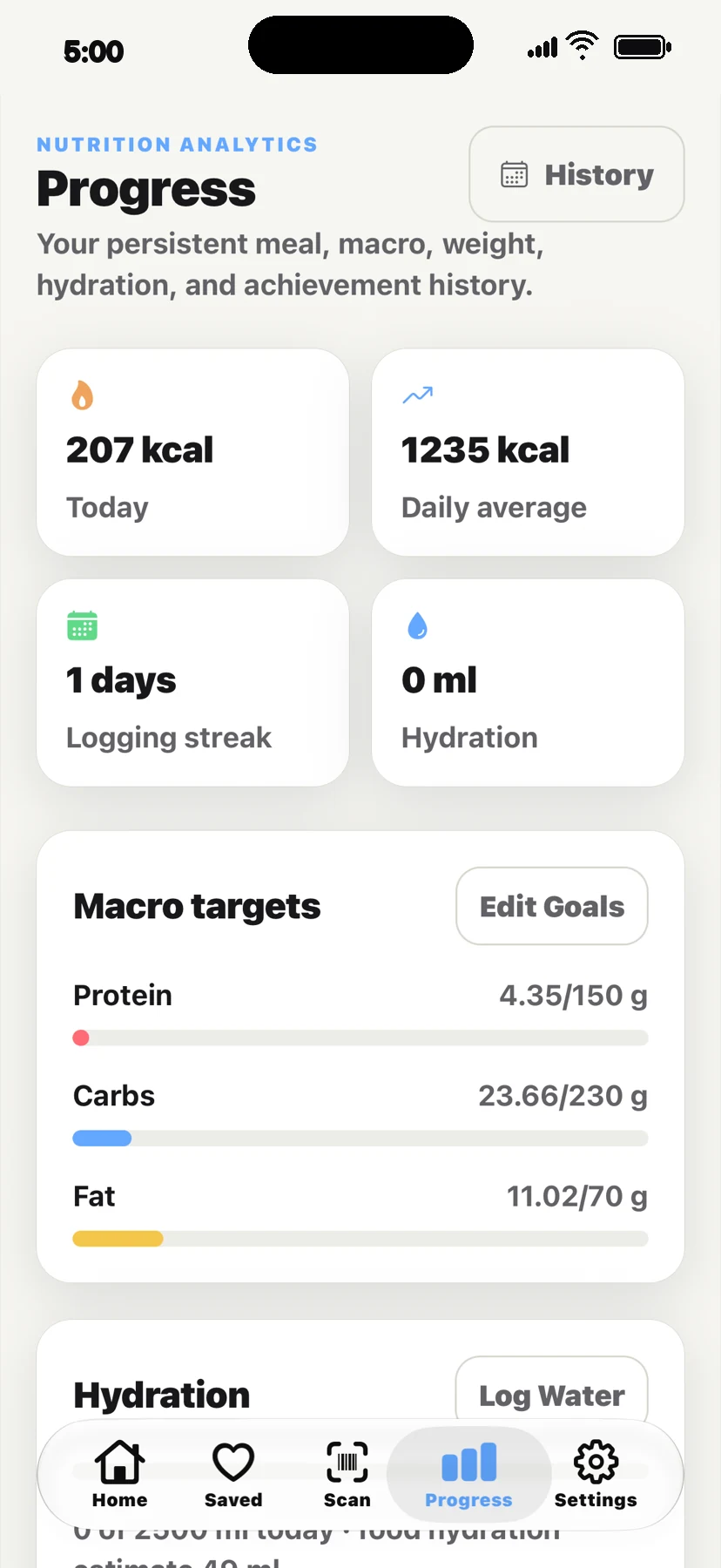
Cerenity Nutrition progress screen with calories, macros, and hydration history
CoachCooking guidance
•••
TODAY
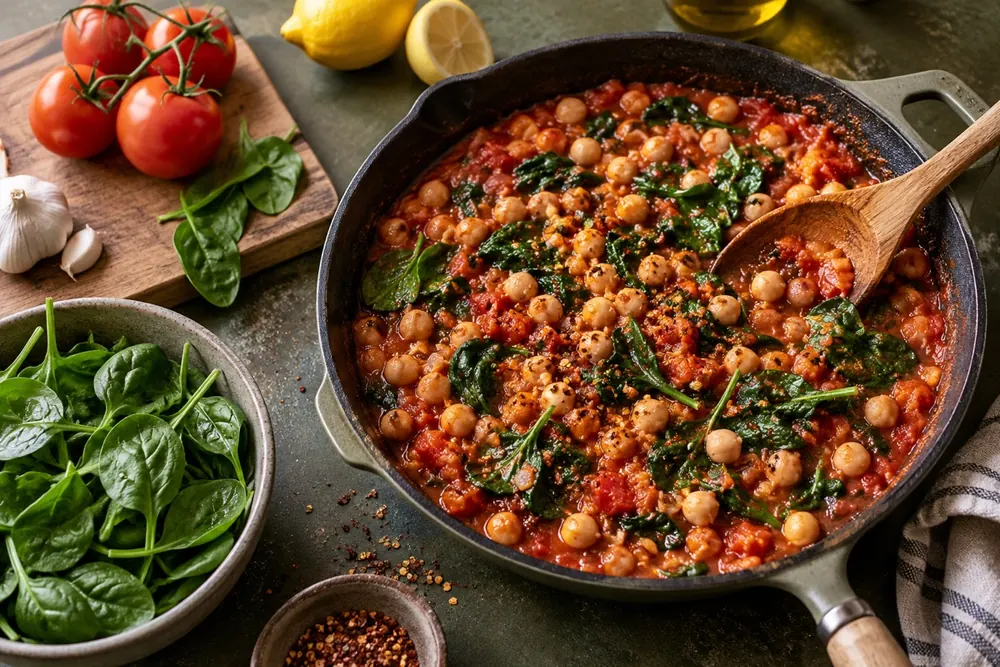
How can I make tonight’s tomato skillet feel a little richer?

Try blooming the spices in olive oil first, then finish with a spoonful of yogurt or tahini. It adds body without hiding the tomatoes.

Make it dairy-freeShow me the steps
Ask about cooking…

Context that carries forward

A Coach that knows
what you’re working with.

Recipe users get cooking-oriented help. Nutrition users can ask general food and wellness questions informed by relevant saved goals, recent meals, preferences, restrictions, and hydration.

i

Cerenity Coach is not a healthcare professional or emergency service. Guidance is for general wellness and information—not diagnosis or treatment.

Real app screens

The real app, in every light.

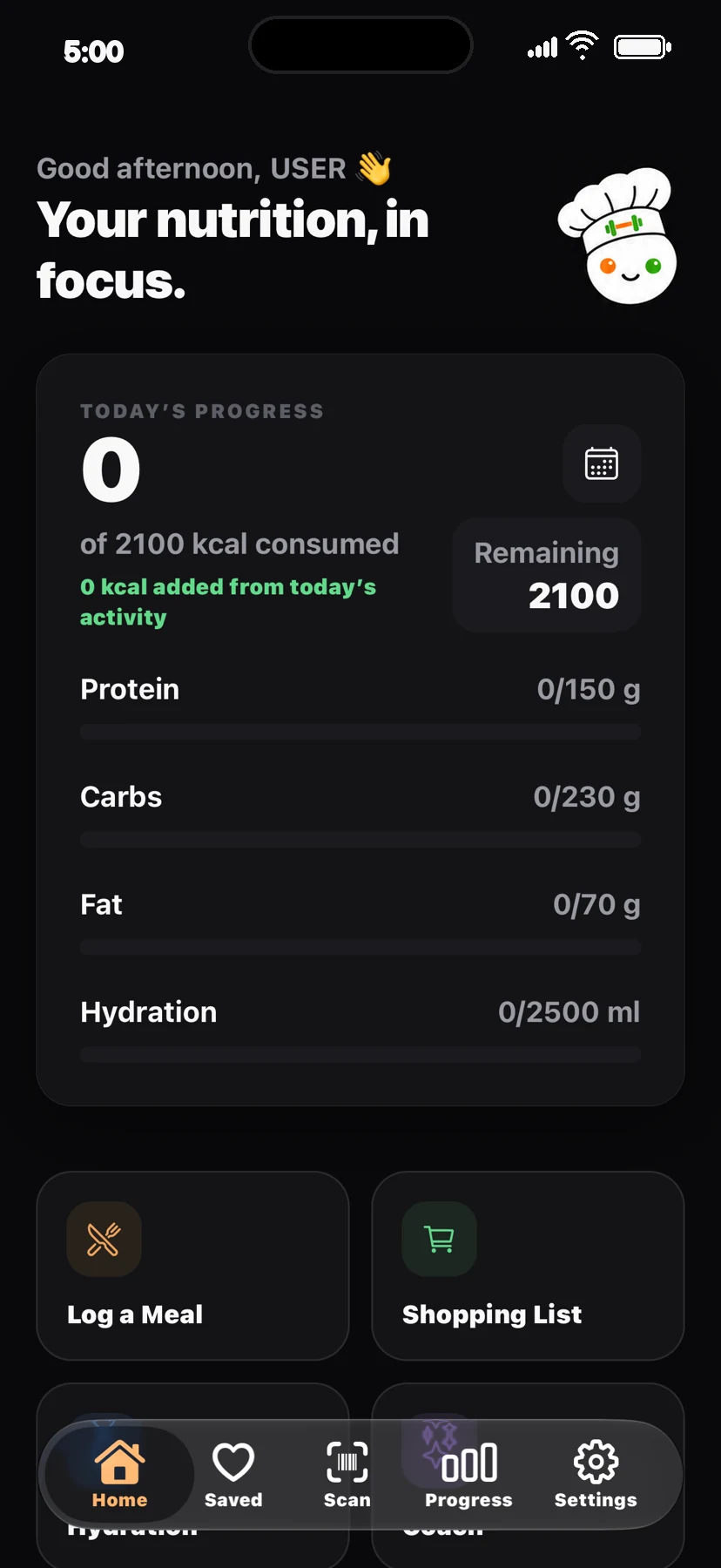
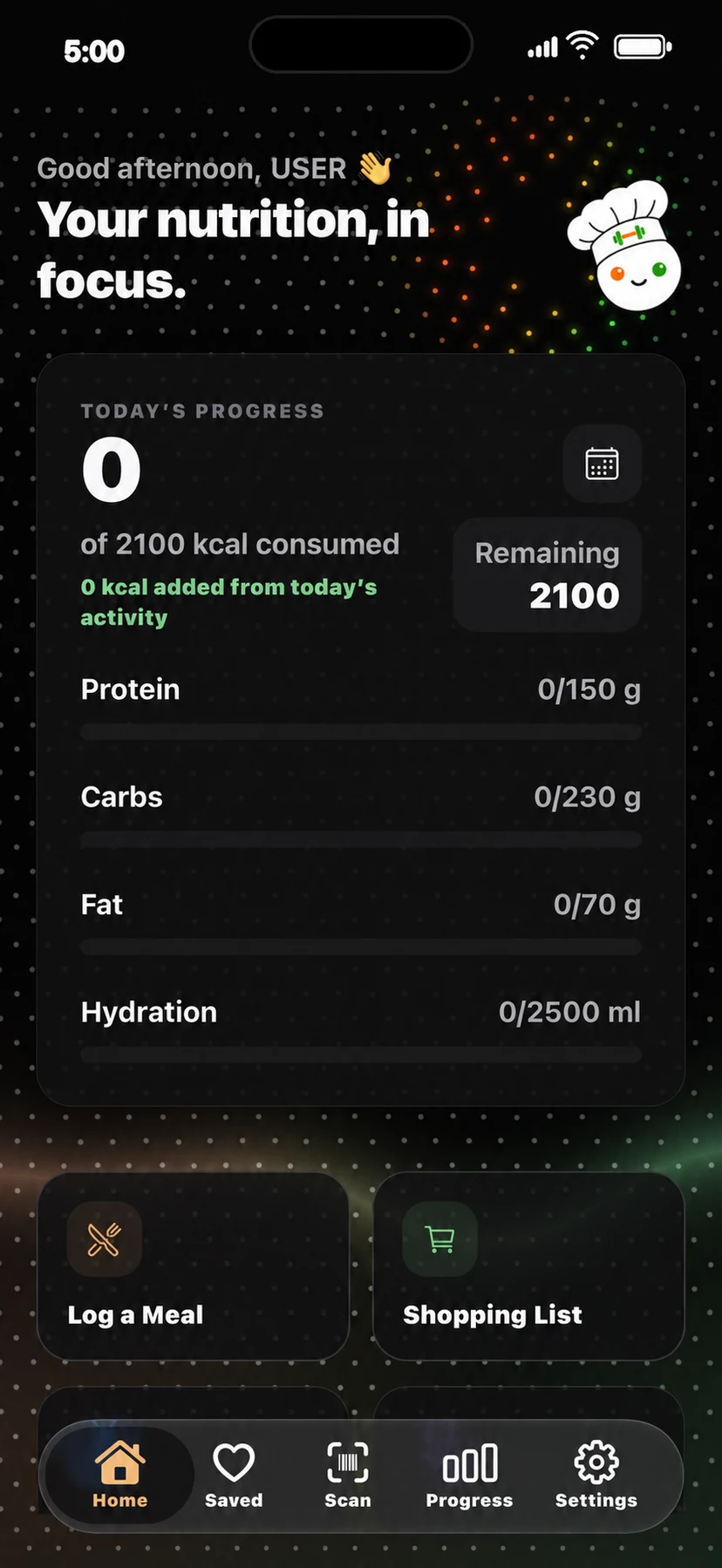
See your daily view in Light or Dark, then follow progress over time.

LIGHT
Cerenity Nutrition home screen in Light mode
DARK
Cerenity Nutrition home screen in Dark mode
PRO
Cerenity Nutrition home screen in Pro mode

Privacy & control

Your choices stay
visible.

Permissions are requested in context. Results remain editable. Health activity access is optional and read-only. Account deletion lives inside the app.

Read Privacy & Safety
01

Review before you actCorrect ingredients, foods, and portions before creating or logging.

02

Optional means optionalCamera, photos, activity context, and reminders have clear purposes.

03

Delete from SettingsRemove your account in-app or contact support if you cannot get in.

Simple access

Choose how you want
to use Cerenity.

US reference pricing. Your platform store shows the authoritative local price and eligibility.

RECIPE

$69.99USD / YEAR

BEST VALUE27% OFF

$69.99 USD / YEARLY=$5.83 USD / MONTH

$7.99 USD monthlyBest for everyday cooking
  • Ingredient scanning with editable detection
  • Cook by Craving and personalized daily picks
  • Saved recipes, history, and shopping lists
  • Guided cooking with resumable steps and timer
Join the Recipe beta
INCLUDES RECIPE
NUTRITION

$89.99USD / YEAR

BEST VALUE42% OFF

$89.99 USD / YEARLY=$7.49 USD / MONTH

$12.99 USD monthlyBest for the full picture
  • Everything in Recipe
  • Editable meal estimates and one-tap logging
  • Calories, macros, hydration, goals, and history
  • Progress, achievements, and nutrition-aware Coach
Join the Nutrition beta

Apple or Google processes payment. Subscriptions renew automatically unless cancelled and are managed through your store account. Local pricing, tax, and trial or offer eligibility are determined by the platform store. Plans are not yet available for purchase.

Good to know

Questions,
answered plainly.

Visit support
What is the difference between Recipe and Nutrition?

Recipe focuses on finding and cooking food. Nutrition includes the complete Recipe experience, then adds meal estimates, calorie and macro tracking, hydration, goals, history, progress, and nutrition-aware guidance.

Are scan results exact?

No. Scan results are estimates based on visible information and available nutrition data. You review and can correct foods, portions, and nutrition before saving.

Can Cerenity detect allergens from a photo?

No. Saved allergies and restrictions help avoid unsuitable recipe suggestions, but a photo cannot verify hidden ingredients or cross-contact. Always check labels and confirm suitability yourself.

Does Nutrition include Recipe?

Yes. Nutrition includes every Recipe feature, from ingredient scanning and recipe discovery to shopping lists and guided cooking.

Does Cerenity connect to health activity data?

Optionally. Nutrition users can allow read-only active-energy access for a conservative same-day adjustment. The connection is not required, and Cerenity does not write health data.

How are subscriptions billed?

The Apple App Store or Google Play processes payment. Local price, tax, offer eligibility, renewal, cancellation, and subscription management are controlled through your platform store.

Coming to iOS and Android

What’s in your kitchen
is only the beginning.

Join the beta list and we’ll email you when the app is released, along with a beta-member launch discount code.

Join the beta